![White-logo-email.png]](https://support.kaiterra.com/hs-fs/hubfs/Images/White-logo-email.png?height=40&name=White-logo-email.png)
When Should You Use This Page?
Use this feature when you want to display air quality data for occupants, visitors, or teams in a visual format.
What You’ll See
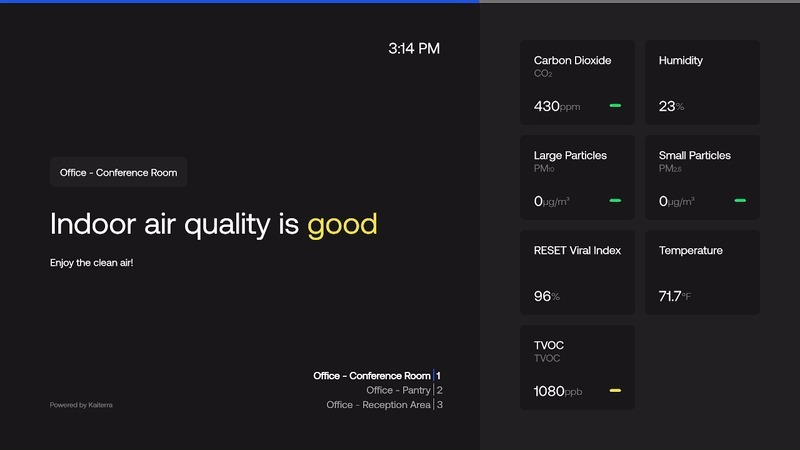
The Kiosks display air quality data in a simplified, visual layout that is easy to read at a glance.
It focuses on key metrics and presents them in a way that can be shared on screens such as TVs, monitors, or dashboards.
Display Modes
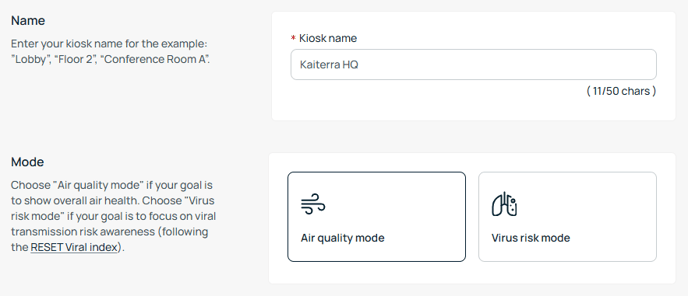
You can choose how the data is presented depending on what you want to highlight.
The Kiosks includes different modes, such as Air Quality view and Virus Risk view, which change how the data is interpreted and displayed.
- Air Quality Mode, which focuses on the overall quality of your air
- Virus Risk Mode, which focuses on viral transmission risk awareness
Customizing Your Display
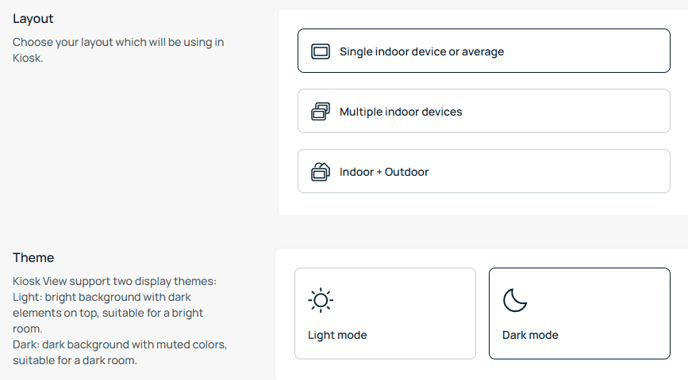
You can start by setting how the Kiosk will look.
You can choose the layout, depending on whether you want to display a single device or multiple devices at once. You can also select a theme to match your display environment.
Selecting Devices and Editing Your View
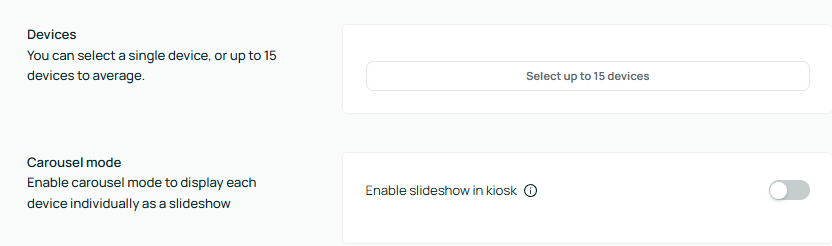
Next, you can choose which devices to display.
You can select up to 15 devices, depending on how much information you want to show.
If multiple devices are selected, you can adjust how they are presented. For example, you can enable carousel mode to rotate through devices automatically, or keep them displayed at the same time.
Choosing Parameters to Display
You can choose which parameters appear on the Kiosk, such as air quality or thermal metrics.
This allows you to control what information is shown on the screen.
Adding Your Logo
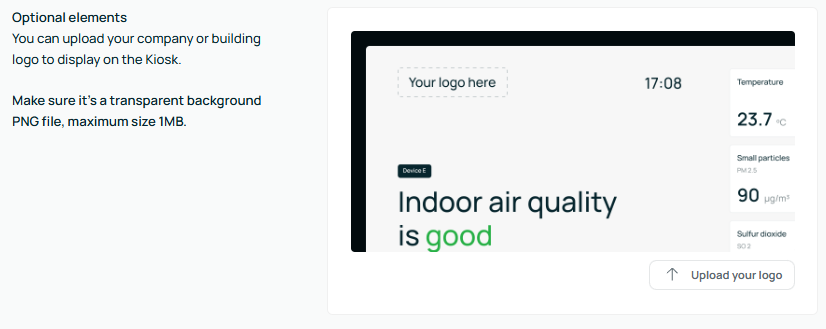
You can upload your own logo to display on the Kiosk.
This helps customize the display and align it with your organization.
Sharing the Kiosk
Once your Kiosk is set up, a unique URL will be automatically generated.
You can use this link to open the Kiosk on another screen, project it on a display, or embed it into a QR code for easy access.