![White-logo-email.png]](https://support.kaiterra.com/hs-fs/hubfs/Images/White-logo-email.png?height=40&name=White-logo-email.png)
When Should You Use This Page?
Use this page when you want to view your organization details, manage settings, or check your overall setup.
What You’ll See
The Organization Settings is divided into different tabs, each showing a different part of your account.
Information Tab
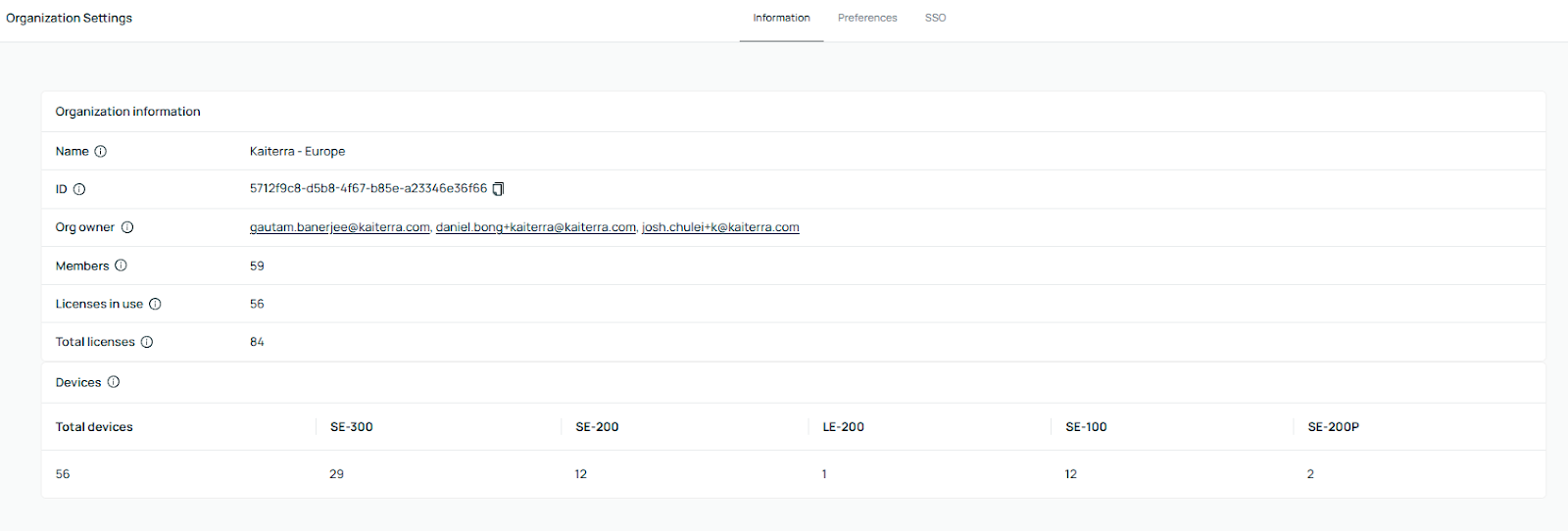
The Information tab gives you a quick overview of your organization.
You can view details such as your Organization ID, the Organization Owner, and the total number of members.
You’ll also see your license usage and a breakdown of all devices in your organization, including how many devices are installed and their hardware types.
Preferences
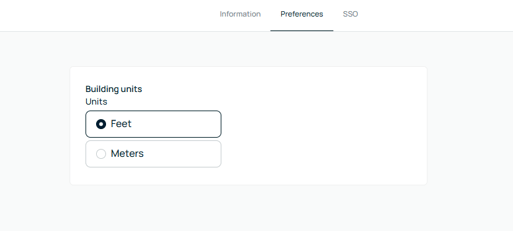
The Preferences tab allows you to set how data is displayed across your platform.
You can choose your preferred measurement units, such as feet or meters.
SSO (Single Sign-On)
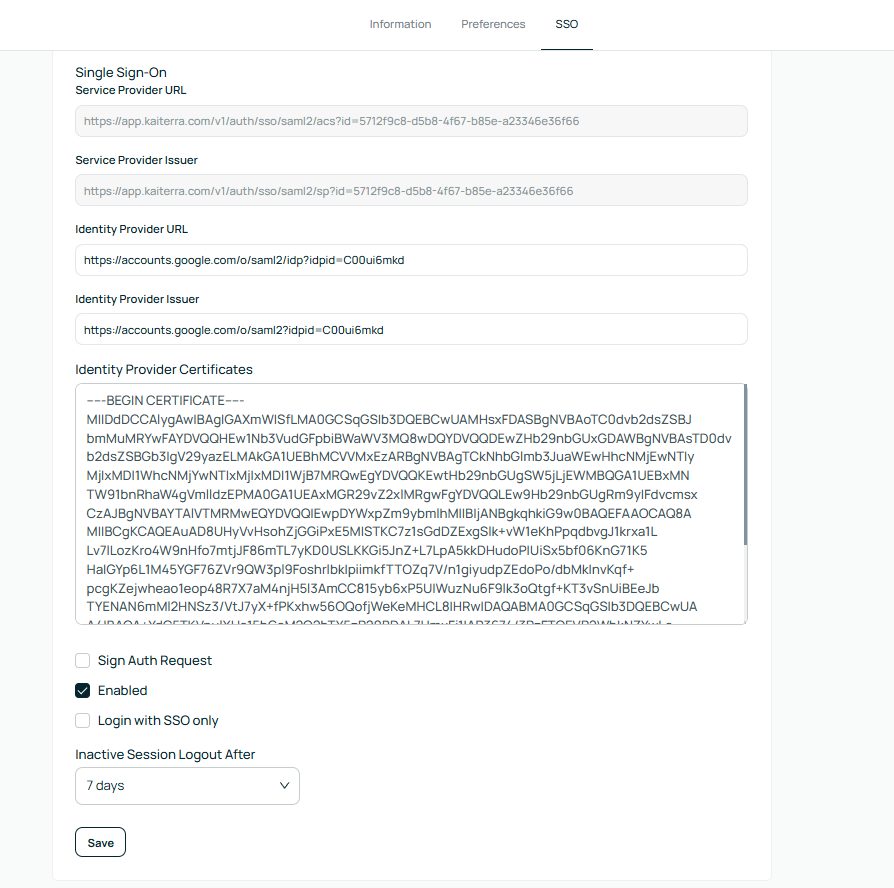
The SSO tab allows you to connect the platform with your organization’s login system.
You can enter your provider details and configure secure access for your team.
Once set up, you can require users to log in using SSO to improve security.